Want to store your passwords and other private information securely in your computer ? secure your folders or documents ? here is the solution..

Passcode Manager

Passcode Manager is an Offline software application to store,Generate,Manage your passwords & other private information locally in your PC. It also keeps you from forgetting a large number of passwords while additionally assisting with protecting you from cybercriminals. Your data is protected with 256-bit AES Encryption and can be accessed by a single Master password.
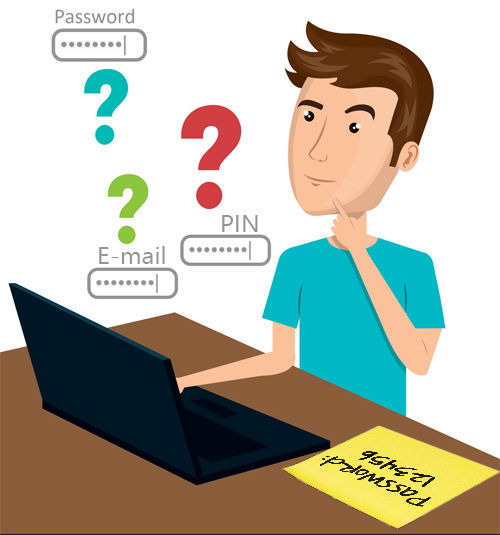

Why you need a Passcode Manager ?

No need to Remember Credentials

Remembering all of your passwords or credentials is nearly impossible, almost every services in the internet need an account with credentials, so you have to keep a record of them. Passwords that are weak can be easily cracked. Most of the people use simple code like '1234' paradigm or name, phone no etc., cybercriminals can employ scanning programs to run an endless number of phrases and crack your passwords easily. Saving your credentials to browser such as Chrome, Firefox, Safari is also vulnerable to hacker's attack.

Improve Account Security

By single click you can generate strong password, so your online account security will get improved. Your credentials are stored in 256-bit AES encrypted database locally in your PC, as a result, no one has access to the data in your vaults. Even though anyone steeled your database, there is not way to decrypt it. Moreover it has auto-clear clipboard function (it clears your all copied credentials from your computer), auto mask credentials (any person sitting nearby your computer monitor can't see when you copy)

Flexibility in usage

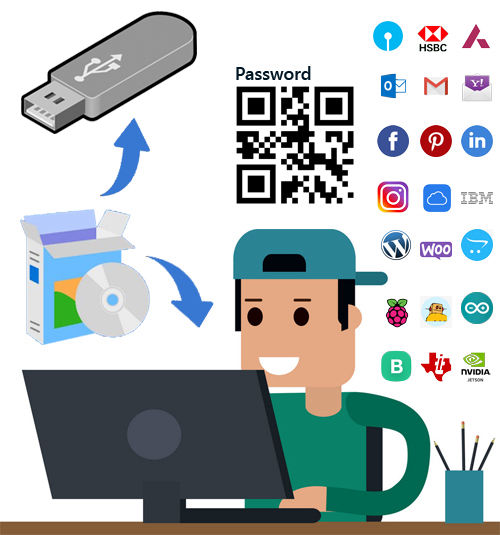
Passcode Manager is a software that can install into your PC or run from your USB storage dongle, the USB device act as a hardware key. After activation of your USB dongle, you can run passcode manager from any PC. We allow you to activate on two devices (PC & Pendrive) with single purchase. Data can be backup to local drive or to your own web server using FTP (if you have one). Additionaly you can easily copy credential to Mobile with single click (QR-code). Loaded with hundreds of free icons library

Features in Passcode Manager

Securely Save Credentials

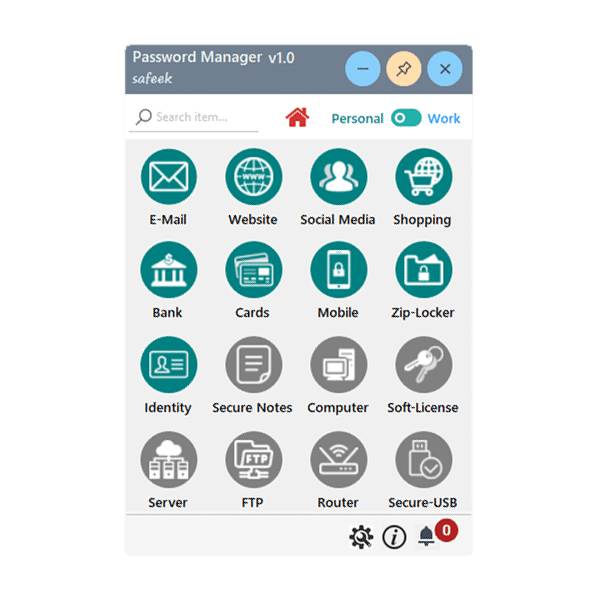
you can save your different Account credentials under different categories such as Email, Websites, Social Media, Shopping, Bank, Credit cards, Notes etc.. in Encrypted Database.

01.

Easily search items

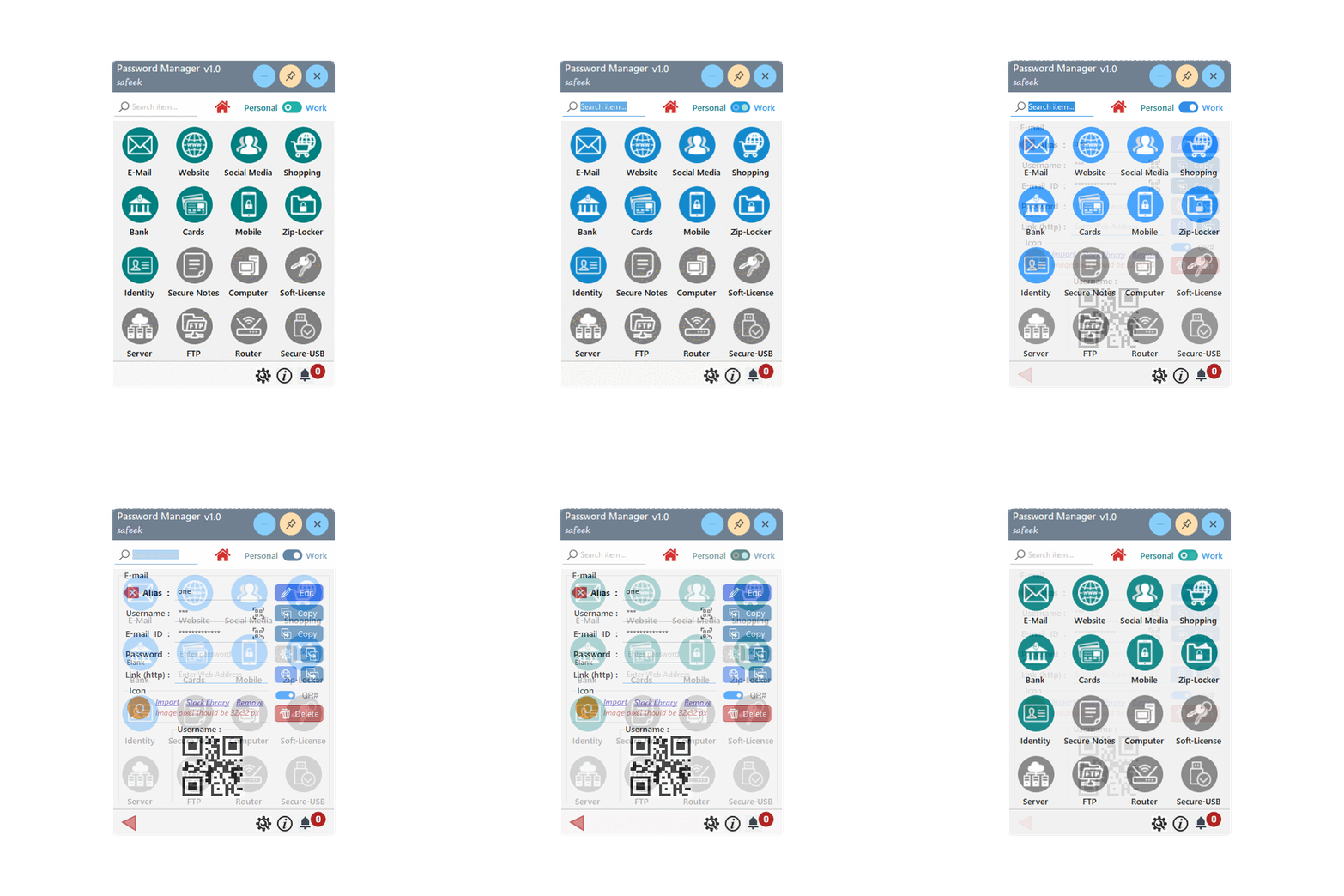
you can search your saved credentials with single search box from home screen with two category filter available (Personal & Work)

02.

Other Utility functions

Unless credential storing functions, we integrated some other useful stuffs; Zip-Locker:- (protect your files/docs), Secure-USB:- (Enable/disable USB), Identity:- Save your ID-cards, driving license passport, etc. into encrypt DB.

03.

04.

Portability

Passcode manager can be installed to your PC or Copy to USB storage device or both, so you can carry your data & run from any unactivated PC as long as you connect your USB Device.

05.

User interface

Icon based Menus (like Mobile App), for quickly catch items and bi-color Home Menu items are provided (Personal & Work Category) for easy understanding of category type.

06.

Lifetime validity

for single purchase we give unlimited validity, you can enjoy passcode manager as long as you wish. No monthly/Annually billing.

Pricing

Free

Maximum 6-Entries Limited

0 for Evaluation
  • Only Personal Category
  • Email, Website, Social Media
  • Shopping, Bank, Cards, Mobile
  • Identity, Zip-Locker
  • Secure Notes
  • Computer Login
  • Software License Keys
  • FTP, Webserver, Router
  • Secure USB Port
  • Maximum Entries = 8 Records
Standard

For Individuals

550 ₹1100
  • Personal & Work Category
  • Email, Website, Social Media
  • Shopping, Bank, Cards, Mobile
  • Identity, Zip-Locker
  • Secure Notes
  • Computer Login
  • Software License Keys
  • FTP, Webserver, Router
  • Secure USB Port
  • Unlimited Entries
Professional

For Professionals/Startups/Freelancers

1050 ₹2100
  • Personal & Work Category
  • Email, Website, Social Media
  • Shopping, Bank, Cards, Mobile
  • Identity, Zip-Locker
  • Secure Notes
  • Computer Login credentials
  • Software License Keys
  • FTP, Web server, Router
  • Secure USB Port
  • Unlimited Entries
50% Off

valid upto 15th June 2022

Buy it before offer validity expires! Time to act.

You can evaluate Passcode Manager Freeware edition, the features are same as standard edition unless Maximim Record count. If you like it, purchase suitable one (Standard or Professional) within this offer period and Enjoy Passcode Manager with unlimited entries & updgraded features.

How to start using Passcode Manager

Purchase Product
Buy Standard or Professional
and Enter your details then Make payment
Get License
After payment completed success, we will send License Key & download link to your E-mail
Install Application
Download the Application by clicking the link received in your mail inbox and Install the setup.
Activate & Enjoy
Set Master password, then go to About->click Upgrade License->enter your Email & License key-> Activate
Supported Operating system 

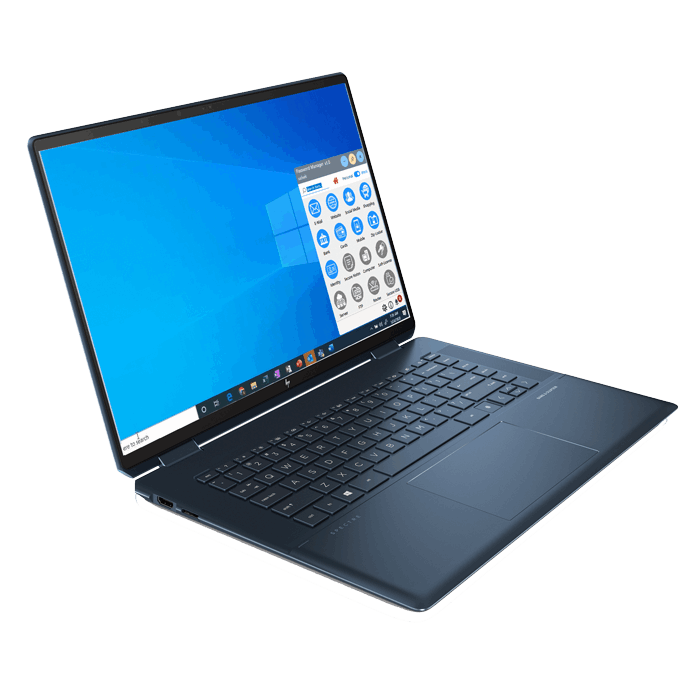
At present, Passcode Manager works on Windows PC/Tablet with dotNet 4.5. we will notify customer once other platform supports are available.

Cross-platforms & App

Product User Manual are available for your reference. Still having doubts, Email us or visit our Help Desk and Ask questions.

Lifetime Validity

Lifetime validity means, we don't charge extra like AMC or subscription model after purchase. Customers can continue use Passcode Manager as long as they wish..

Future updates

We regularly update our software with new features and fix known bugs. The new releases are notified to customer whenever the passcode manager are opened and connected to internet.

Do you save your credentials on Web browser like Chrome, Firefox, Safari? then you are vulnerable to Hacker's attack!

Yes, most of the people store their sensitive informations such as userID, password, site links in the web browser when it ask to save. we strongly do not recommend this, attackers can easily phish your credentials and details. To know how insecure your credentials in web browser click here

what they say about us

Testimonials